Isolation
Keep app workloads organized and choose how they share network access and storage.
Containers
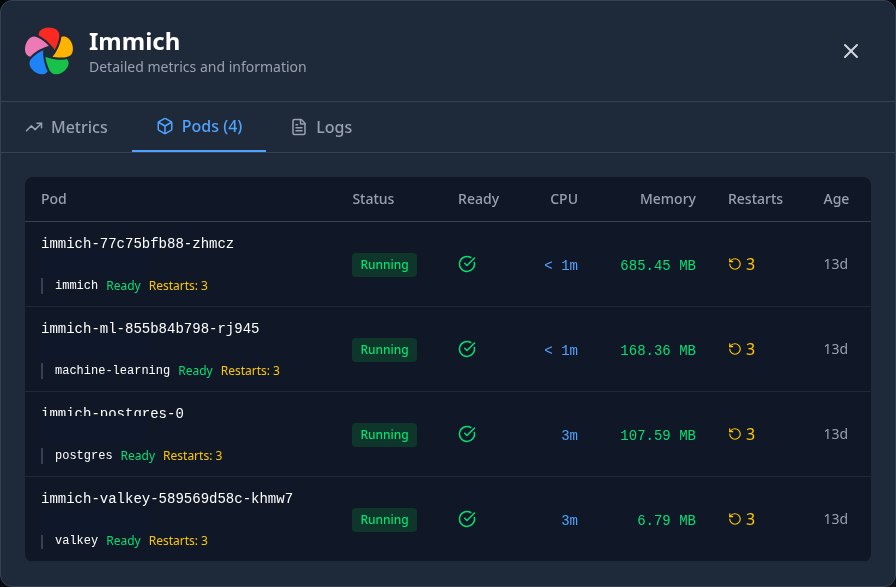
Kubarr runs chart-backed apps in Kubernetes pods, usually in an app-specific namespace. Containers in the same pod share its network; separate app pods and namespaces make workloads easier to manage, but they are not separate virtual machines or an absolute security boundary.
Cilium networking
App charts enable Kubernetes NetworkPolicies by default for selected ingress and egress paths, including gateway access, DNS and public-network egress. Cilium can enforce these policies if you install and configure it as your cluster’s CNI; Kubarr does not install Cilium. Another NetworkPolicy-capable CNI can also enforce them. Check chart rules and your CNI: namespaces alone do not block traffic, and the gateway’s app permissions do not protect direct service access inside the cluster. The Networking screen shows observed traffic, not NetworkPolicy enforcement.
Storage
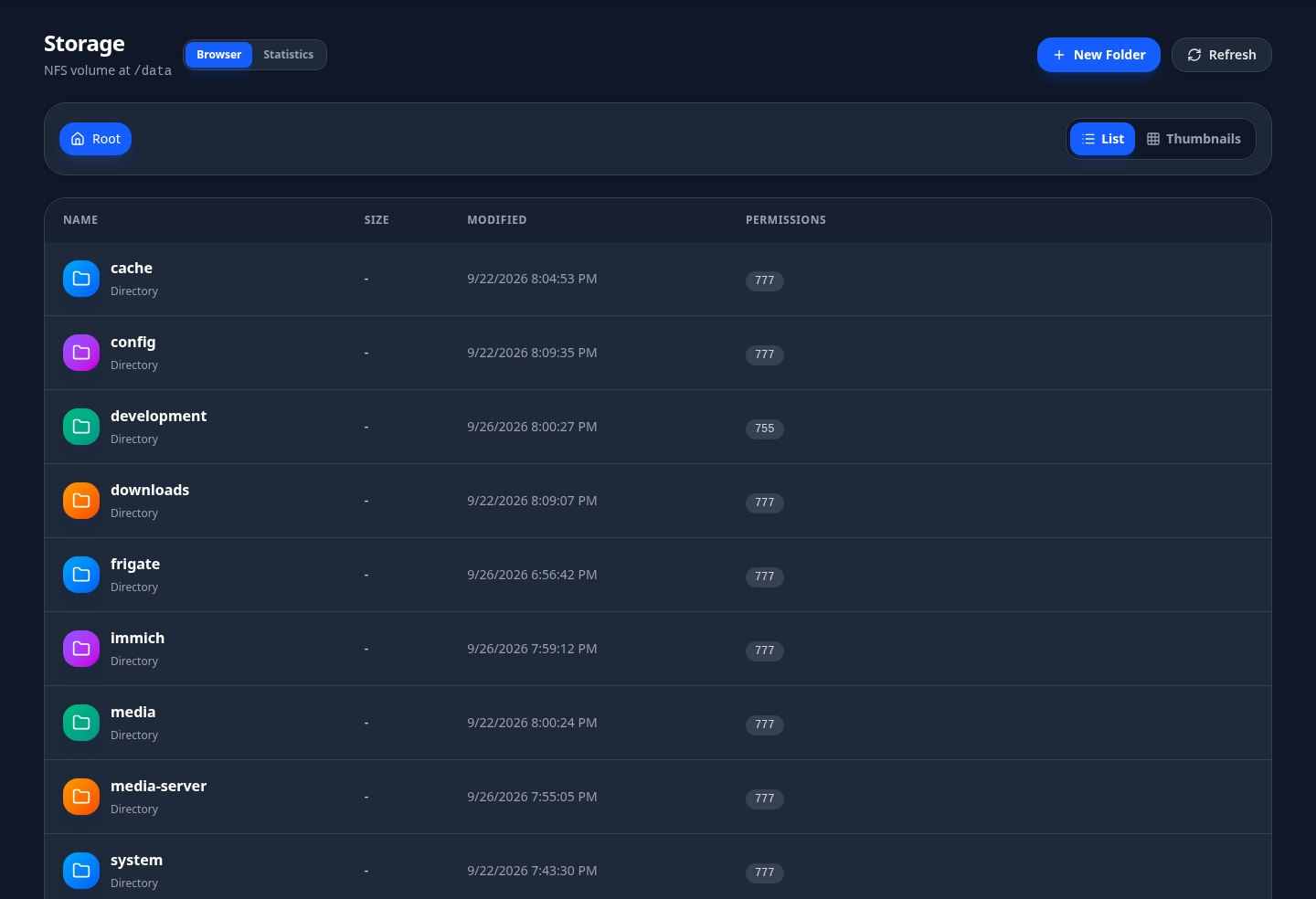
Media libraries and downloads can use a shared NFS volume across apps. By default, many media charts also put each app’s config in a subdirectory of that same share; opt-in split storage puts config on a separate app PVC instead. A shared volume is accessible to apps that mount it, even in different namespaces, and a separate config claim does not isolate shared media. Check each chart’s storage layout and backups.
VPN
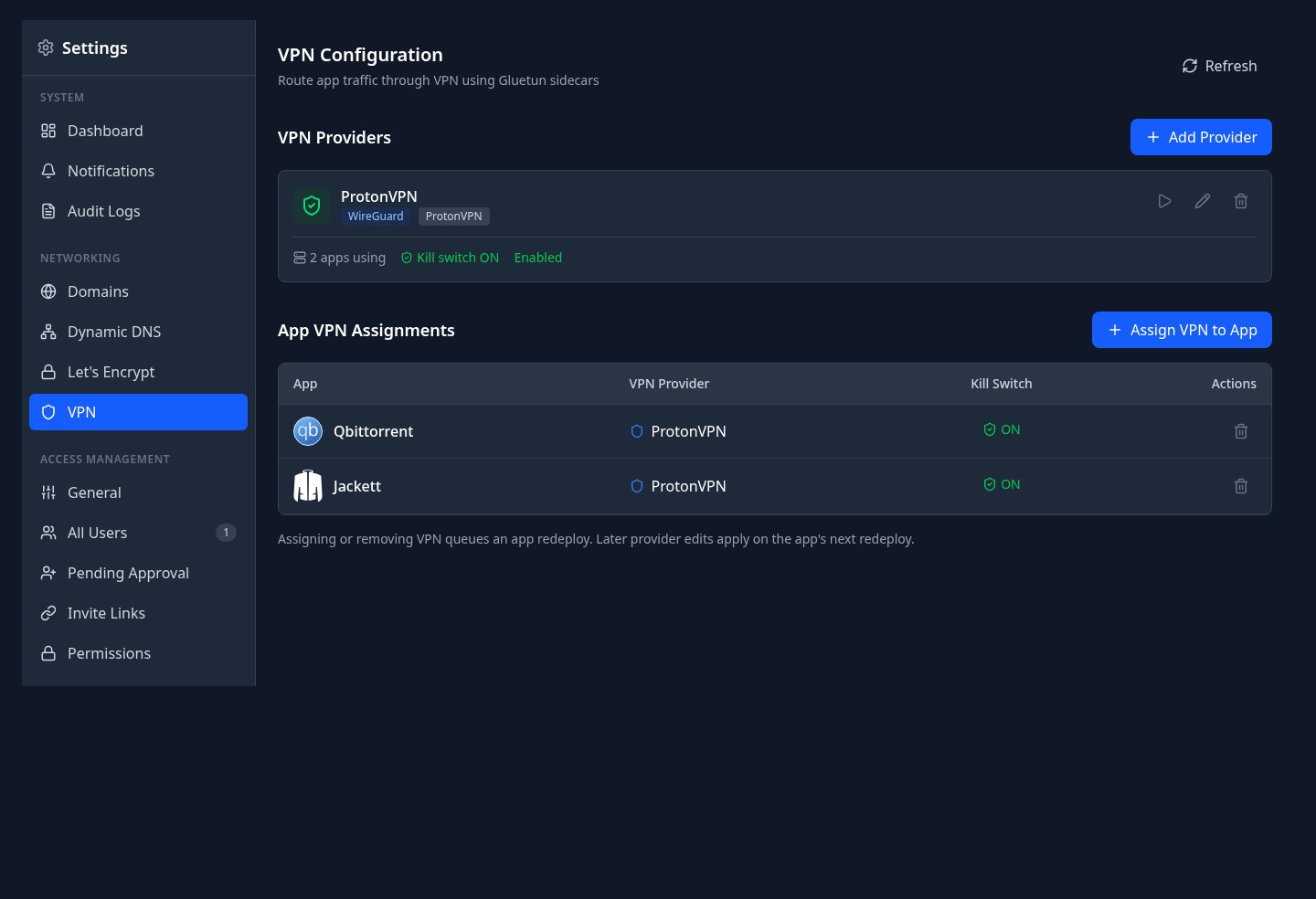
For VPN-enabled app charts, assign a VPN provider to an app and redeploy it to add a Gluetun sidecar in the app’s pod. Kubarr supports WireGuard and OpenVPN credentials; the sidecar routes that pod’s traffic through the configured VPN. Its firewall kill switch is enabled by default and can be overridden per app. VPN is off until configured, requires a working provider and /dev/net/tun on the node, and any allowed outbound subnets can bypass the tunnel.
For chart-specific storage, network and VPN settings, see the charts repository, or read how Kubarr works.